Last Updated on by Sumi
We have created an account in many websites and apps with the help of our google account. Likewise, google account has information about our personal as well as professional life.
We use Google for almost everything we do. For example, emails from Gmail, what videos from Youtube with a google account, Search for something on chrome, and so on. Because of this, it is very important to protect Google account from hackers and thieves.
Here are some of the ways to secure your Google account.
Best ways to secure Google Account
a. Strong Password
While creating an account on any website or app, you have to put a strong password. Click here if you want some tips on making your password strong. If your google account password isn’t strong, you can change it. Having a strong password can really help you from being hacked.
b. Security Checkup
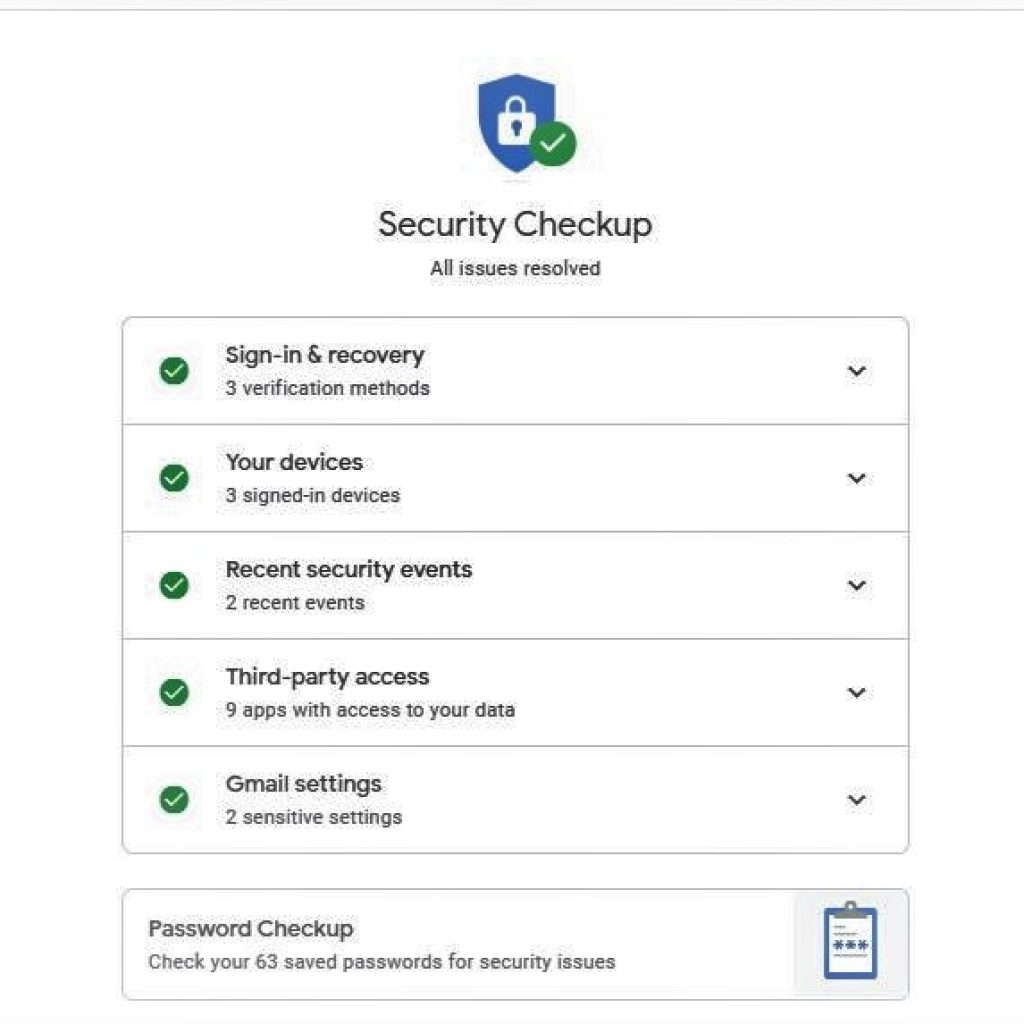
Security checkup is an option provided by the google o make your account more secure and protect from any risks. Moreover, in the security checkup, Google will alert you if any suspicious thinks may happen. Likewise, it also shows the activities that have happened related to your account like, which devices are your account signed in on, what are the things you have downloaded through the account and so on.
c. 2-Step verification
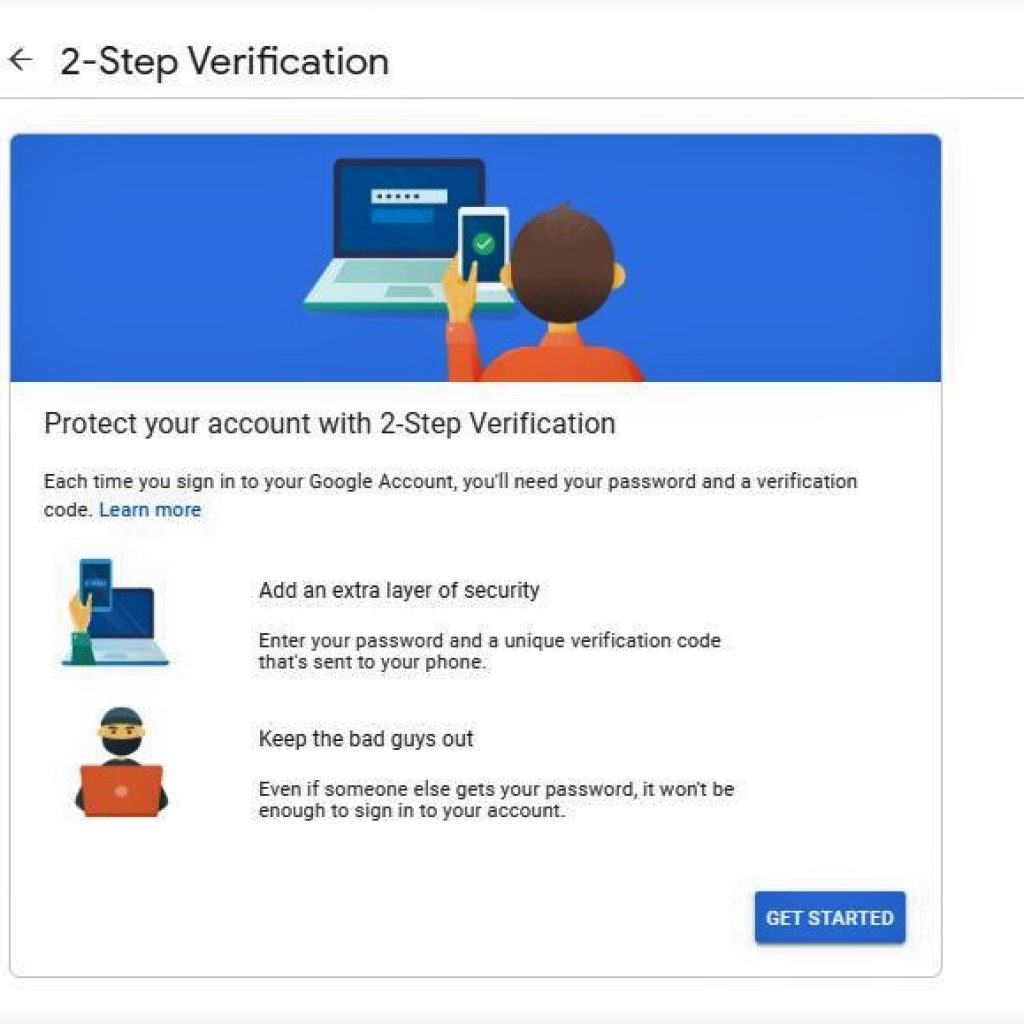
2-step verification adds a second layer of security to your account. If a hacker hacks your password and tries to log in with another device, a message or code will be sent to your phone. It is one of the most important security feature provided by Google. Click here to enable your 2-step verification feature.
d. Software update
Always update your Browser, Antivirus and Operating system. Updating your browsers, OS or any other apps will protect you from hackers. Make sure to install a good antivirus in your device and update constantly. Similarly, you should always be using the latest versions of the browser, OS and antivirus.
e. Remove unnecessary apps
Remove any unnecessary app that is not in use regularly. Instantly many apps in your device can make your device more unsafe. Likewise, never download any app from an unknown source. Use the apps and extensions are that useful to you and have access to less information.
f. Avoid suspicious messages and emails
Avoid clicking on and messages or emails you receive that looks specious. The emails usually say that you have won money. And they will ask for access to your account and personal information. Likewise, try not to open these types of messages and never respond to them.
Also check out: How to free up google drive space?