
Skip to content
-
Subscribe to our newsletter & never miss our best posts. Subscribe Now!
  • https://www.facebook.com/
  • https://twitter.com/
  • https://t.me/
  • https://www.instagram.com/
  • https://youtube.com/
ICT BYTE Logo ICT BYTE

Nepal's #1 Tech Blog

ICT BYTE Logo ICT BYTE

Nepal's #1 Tech Blog

  • HOME
  • GADGETS
    • MOBILE
    • LAPTOPS
    • SMARTWATCH
    • TABLETS
  • EVENTS
  • NEPAL
    • Banking
    • B.Sc. CSIT
    • BCA
  • MCS
    • 1st Sem
      • Managerial Communication
      • Object Oriented Programming
      • Open Source Technology
      • Design and Analysis of Algorithm
    • 2nd Sem
    • 3rd Sem
    • 4th Sem
  • Utility Tools
    • .np Cover Letter Generator
    • Image Size Reducer
  • HOME
  • GADGETS
    • MOBILE
    • LAPTOPS
    • SMARTWATCH
    • TABLETS
  • EVENTS
  • NEPAL
    • Banking
    • B.Sc. CSIT
    • BCA
  • MCS
    • 1st Sem
      • Managerial Communication
      • Object Oriented Programming
      • Open Source Technology
      • Design and Analysis of Algorithm
    • 2nd Sem
    • 3rd Sem
    • 4th Sem
  • Utility Tools
    • .np Cover Letter Generator
    • Image Size Reducer
Subscribe
Close

Search

Trending Now:
nepal budget latest tech updates trends
SocialFacebookNews

Facebook’s messenger room is now available. Will compete with Zoom

By ICT Byte
2 Min Read
0

Last Updated on 6 years ago by ICT Byte

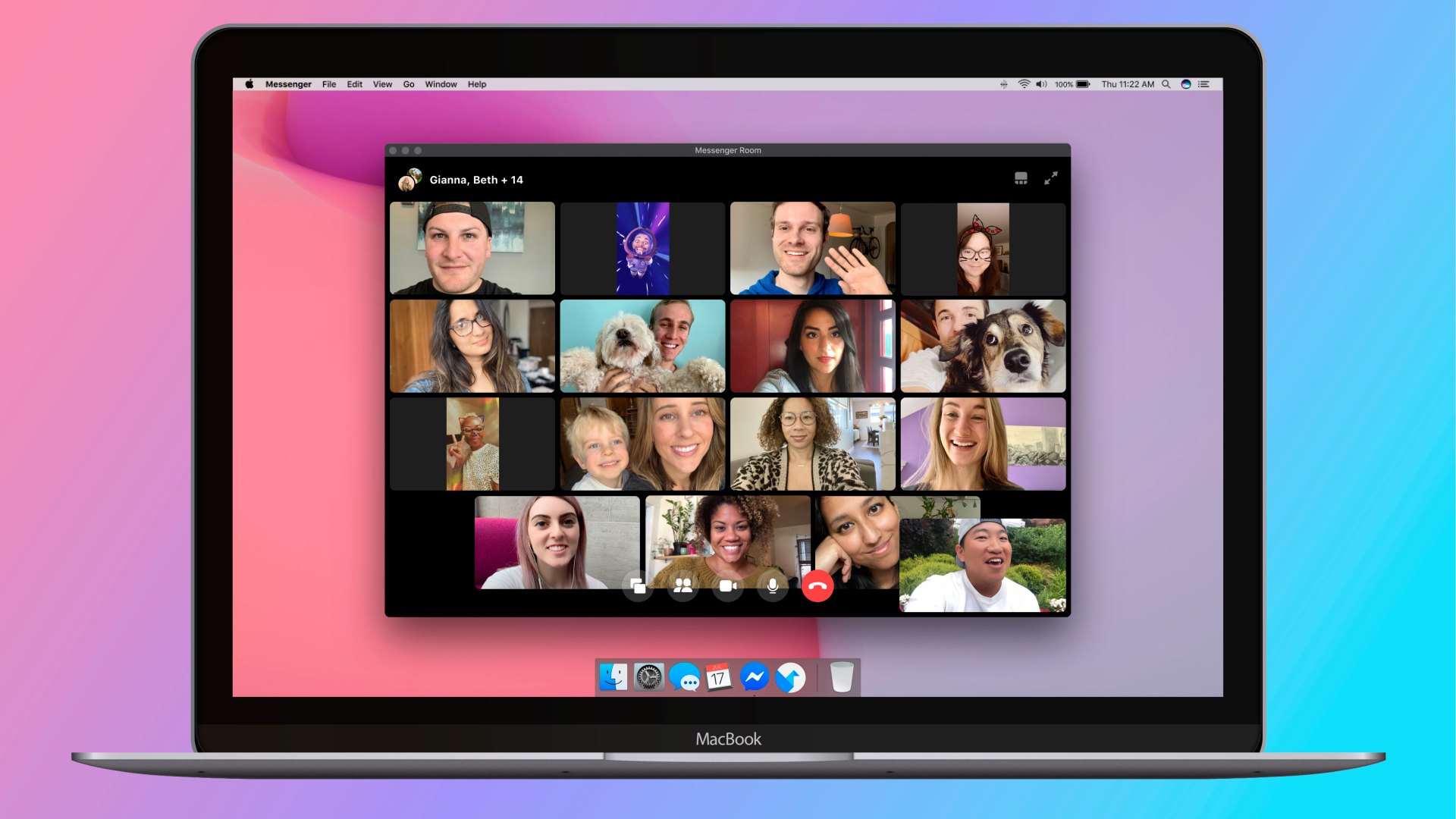
Facebook rolled out Messenger Room starting from Thursday. The facebook messenger room is now available globally.

After the coronavirus effect, almost all the world has gone in lockdown and work from home culture is increasing. During this, video conferencing annd online meeting platform Zoom got a large numbers of new users.

After seeing this increment in users, Facebook too planned similar type of platform and launched the Messenger room.

What are the features of Messenger Room?

Messenger Room will let you create a room. A room can consist of maximum of 50 members. There is no time limit for the user’s in Messenger room.

Rooms can either be created from Facebook or messenger. Room has feature to share links. And one can join the room if they don’t have facebook account too.

How to create the room in Facebook / Messenger?

To create the room in Facebook or in messenger, be sure you have latest version of Facebook or messenger installed in your system.
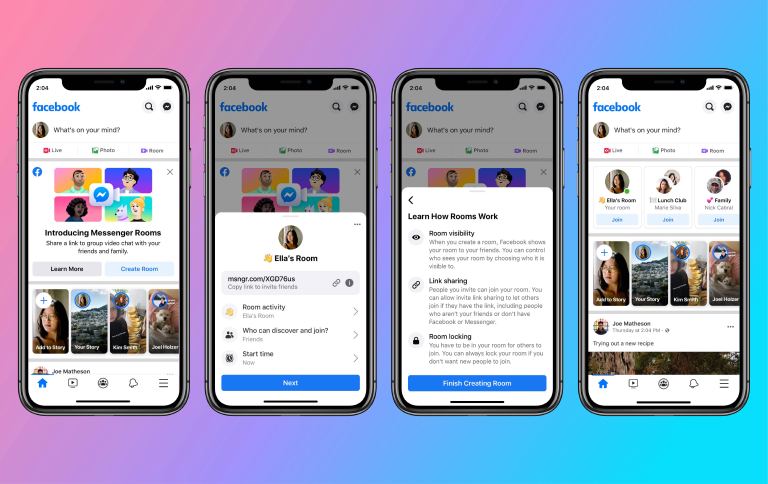
Photo: Facebook

To create a room on Facebook, follow following:

In the chat section of your Facebook, click “Create new room”

You will be redirected to the room.

In the room you can invite anyone with the help of link.

Have you tried using rooms on the Facebook or in messenger? If so, share your experience in the comment section below.

Tags:

AlterativestoZoomfacebook roomLive Video callmessenger roomzoom alternative
Author

ICT Byte

Follow Me
Other Articles
Previous

Sikai Chautari – Learning Portal by Nepal Government is hijacked website domain of private company!

Next

UNICTS Nepal to Organize a webinar – Role of Telecom Players During Covid-19 Pandemic

Copyright 2026 — ICT BYTE. All rights reserved. Blogsy WordPress Theme